Export canvas as image with JavaScript
In previous tutorial, we talked about How to load image to canvas with JavaScript. This time we’ll show you how to export canvas as image and let user download it. Let’s check it out! Let’s….
Read moreCoding Tutorials and Development Tips
In previous tutorial, we talked about How to load image to canvas with JavaScript. This time we’ll show you how to export canvas as image and let user download it. Let’s check it out! Let’s….
Read more
Canvas is an element for drawing graphic on webpage with JavaScript which responsible for majority of stunning effect on today’s website. In this tutorial, we’ll show you how to load an existing image to canvas….
Read more
Hello and welcome to Red Stapler Channel. In this tutorial, we’re going to show you how to create depth of field effect, which could be useful for creating stunning background on your website. This technique….
Read more
In this tutorial, we’re going to show you how to easily create an animation on any HTML element that will trigger on scroll in just a few minutes using AOS library. Let’s check it out!….
Read more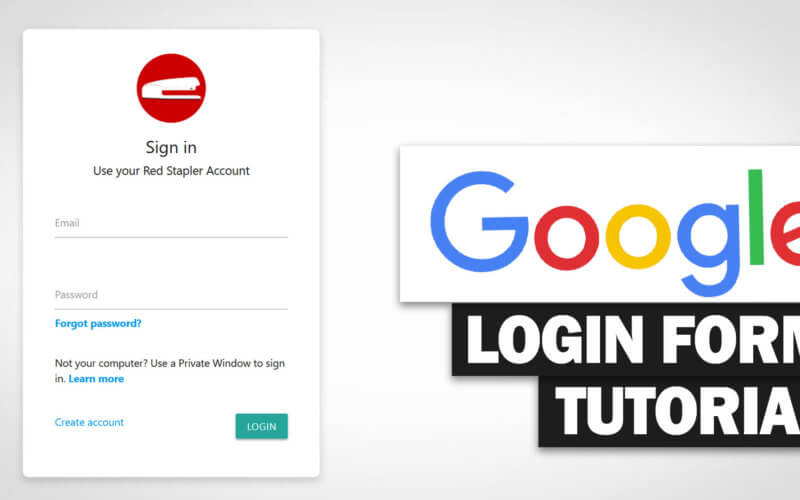
In this tutorial, I’m going to show you how to create a responsive Google style login form using materialize framework in just a few minutes. Ready? Let’s check it out! The Material Design Material Design….
Read more
Changing scroll speed on website can be tricky. As the speed is controlled by the web browser setting and not the website. The most popular workaround is to use JavaScript to detect mouse event then….
Read more
In this article, we’ll show you the collection of 10 stunning web design ideas and inspirations I found on Codepen in 2019. Also, I’ll try to provide a brief detail of the technique and library….
Read more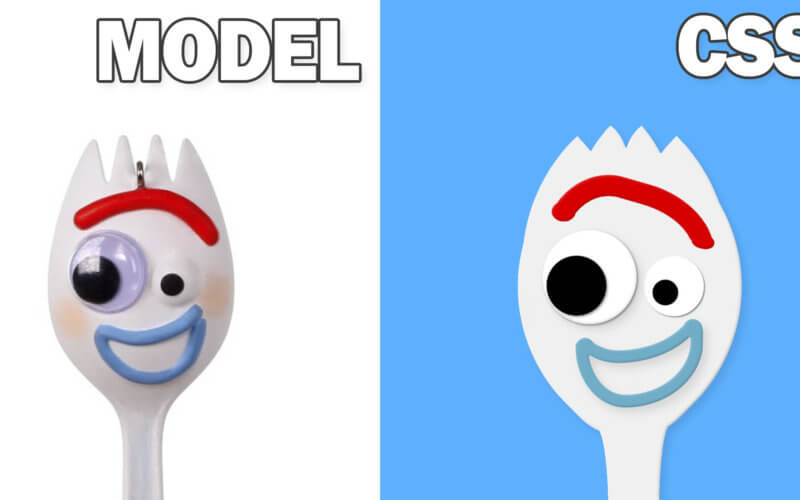
Hello and welcome to Red Stapler channel. In this tutorial, we’re going to show you the basic of how to use CSS to draw Forky from Toy Story 4 image step by step from scratch…..
Read more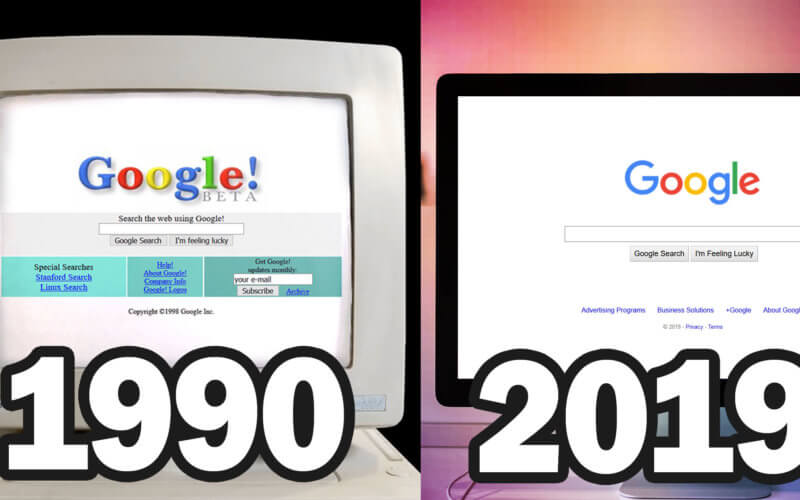
The world first website was published in 1990. Comparing to today’s website, It’s really impressive to see how far we have come. In this post, we will travel back in time to see each step….
Read more
On average, people usually open around 10-20 tabs on their browser. The most I have seen is closed to hundred and Chrome is still working fine. So I have been wondering for while that what….
Read more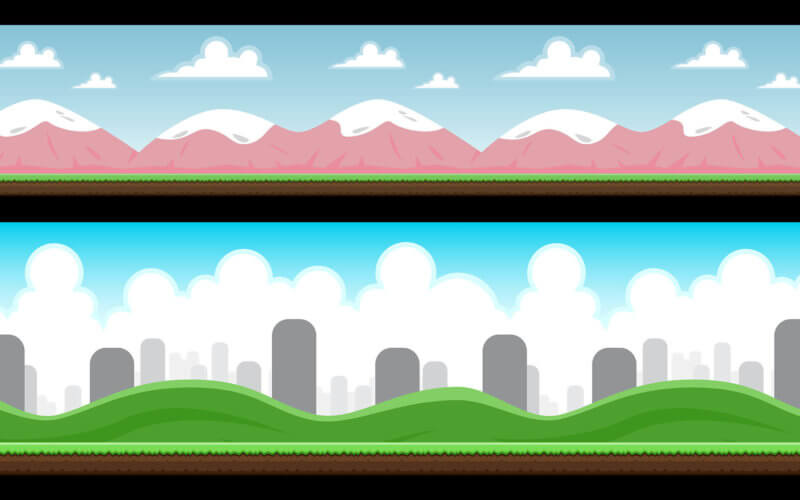
Horizontal scrolling has been around for quite a while and can be often seen on personal portfolio and resume website. So In this tutorial we’ll show you how to create it with pure CSS using….
Read more
iFrame is a very convenient way to display an external content on your webpage. However, it’s little bit complicate if you want to add additional or alter the existing CSS style. You cannot simply add….
Read more