What is Instruct AI Models?
If you’ve spent more than 5 minutes browsing Hugging Face for a new LLM to run locally, you’ve definitely hit this wall. You look up a model like Qwen or Gemma, and you’re faced with two distinct versions. The base model, and “Instruct” or “it” version.
Here is a practical breakdown of what these labels mean, how they work, and which one you actually need.
The Base Model
The goal of base model (sometimes called a pretrained model or a foundation model) is simple – Predict the next token. Feed the model “The sky is” and it’ll try to complete it. It has no concept of “user” or “assistant.” It doesn’t know it’s supposed to help you. If you ask it a question, it might just generate more questions, because that’s what comes after questions on the internet sometimes. It doesn’t know what a “question” is. It’s just looking for statistical patterns.
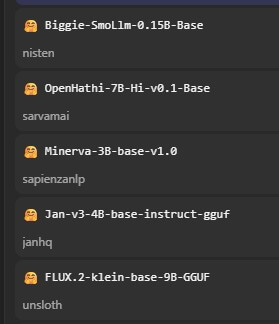
Because of this, talking to a Base model can be a frustrating experience. Honestly, unless you plan to fine-tune your own custom model from scratch, you can ignore base models. They are blank slates meant for further training
The Instruct Model
An Instruct model is a base model that has been taught to follow instructions. Hence the name.
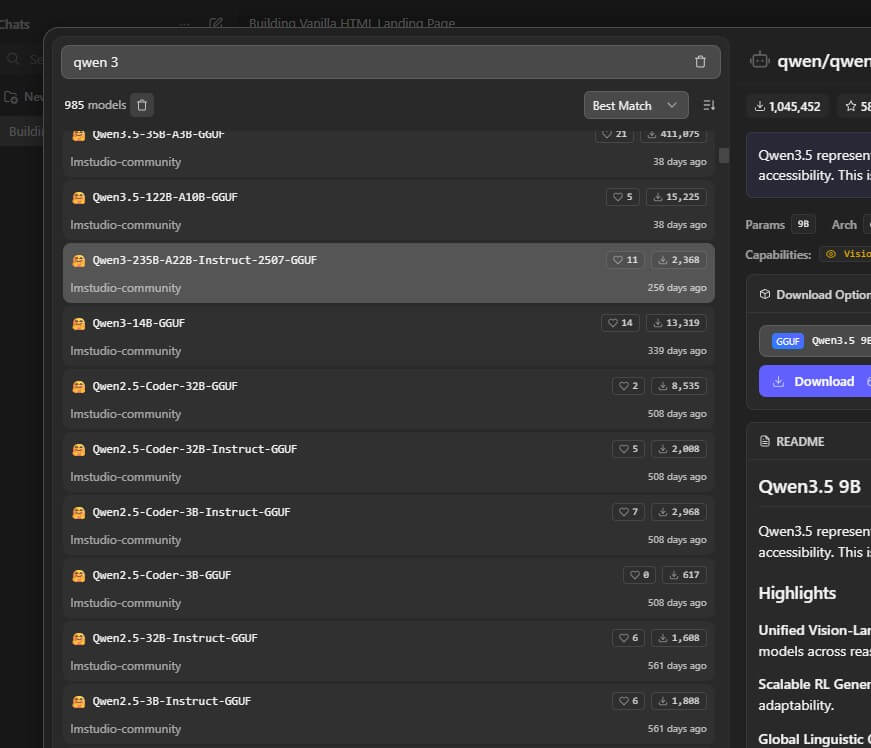
To create an Instruct model, researchers take the raw base model and put it through a second round of training (usually called Supervised Fine-Tuning, or SFT). During this phase, the model is fed thousands of examples formatted as specific human-written prompt/response pairs.
Then human raters feed the command to the model and score the outputs, and the model learns to produce outputs humans prefer (RLHF – Reinforcement Learning from Human Feedback)
The result is a model that actually feels like a conversational partner. It understands when you’re asking a question or asking it to do something instead of giving it context. It formats responses in a readable way. It declines requests that are harmful (Learned from human feedback) It doesn’t just dump raw text continuations at you.
When to Use Each One?
For the vast majority of use cases such as chatbots, coding assistants, agentic task, document summarization, customer service tools, you want an instruct model
Base models still have their place though. Researchers use them to study model behavior. Fine-tuners use them as starting points when they want tocreate their own version of model (ex. specialized medical assistant or a code model trained on proprietary data)
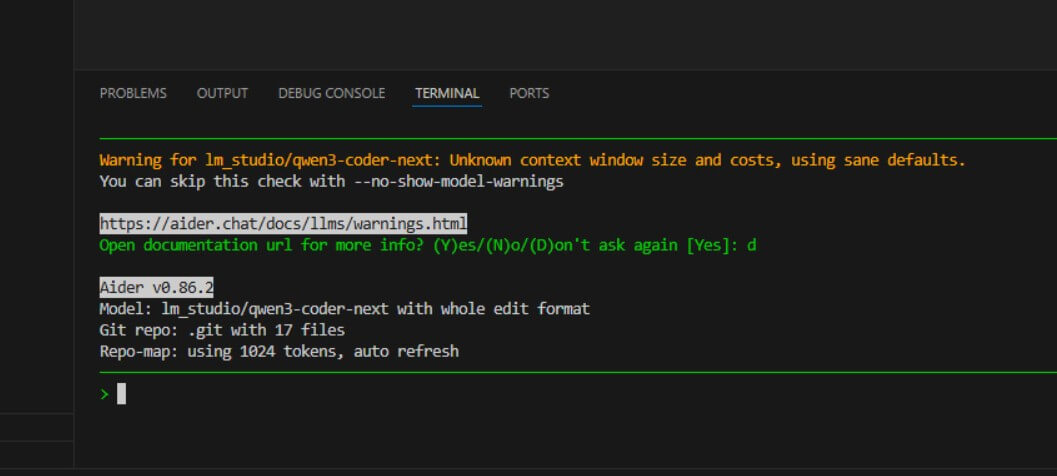
Note: Newer models usually drop the “Instruct” suffix from the name because it becomes redundant. As a public releases are always an instruct version meant for majority anyway. They, instead, add “base” suffix to the model name for a base version. (So in the near future we might starting to see “What is the base model” question instead 🤣)
The Bottom Line
Understanding the difference between base and instruct model helps explain some of the weirdness you might see in AI outputs. When a model seems too cautious and refuses your harmless prompt, that’s typically alignment training being too aggressive. When a model gives you a long, rambling text dump that doesn’t actually address what you asked, that can sometimes be base model style bleeding through instruction tuning that didn’t fully take.
So when you are clearing out VRAM to test a new model on your machine, use the Instruct version. It has the same underlying knowledge as the base model, but it actually knows how to talk to you. Save the base models for the days when you decide to build your own specialized AI from the ground up.
That's all for this post. If you like it, check out our YouTube channel and our X to stay tune for more dev tips and tutorials